A web-based management interface for Talos Linux clusters. Real-time node operations, machine config management, upgrades, and patch workflows — all from your browser.
Add, edit, and delete clusters. Download talosconfig and kubeconfig directly from the UI.
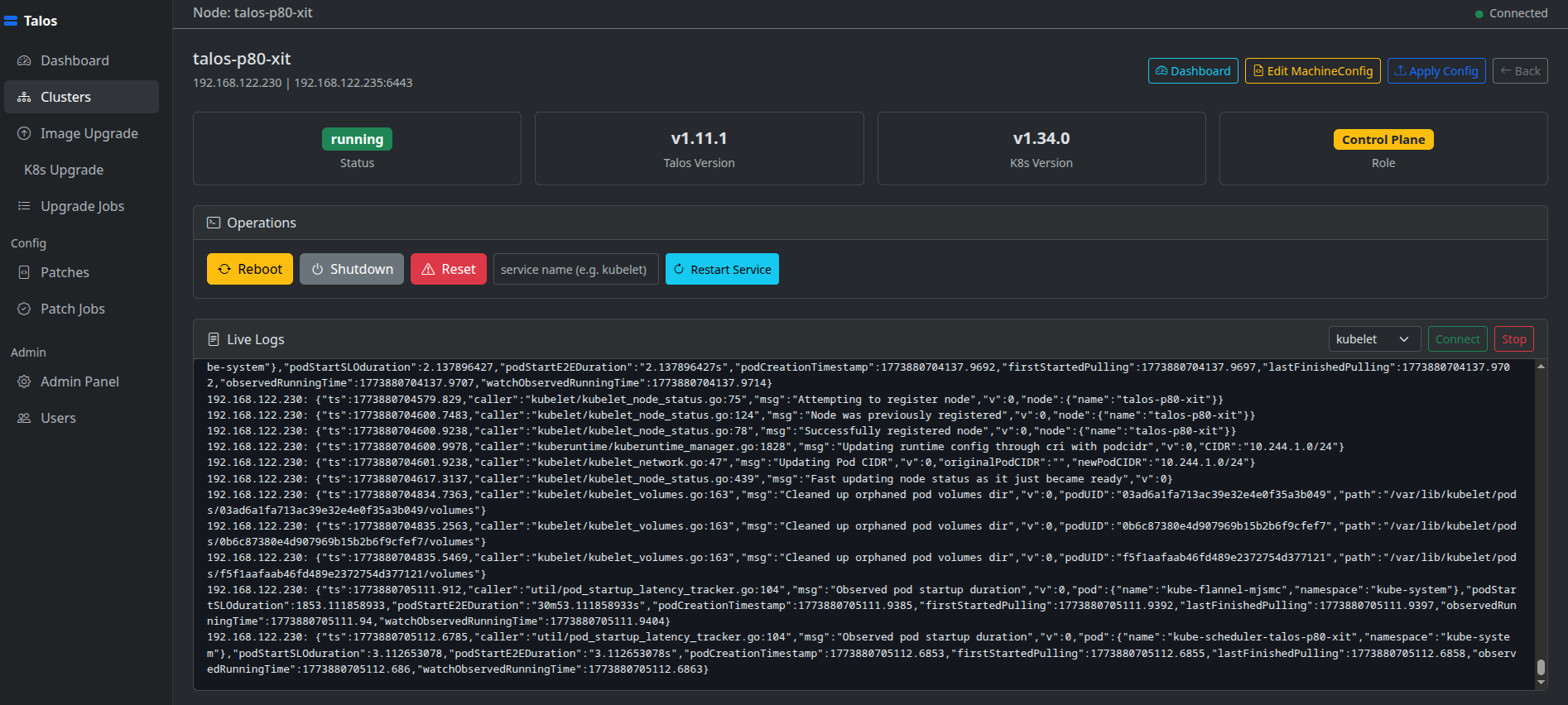
Reboot, shutdown, reset, restart services, and view live logs per node via WebSocket.
View and edit full machine configurations with a YAML editor. Apply changes with selectable modes.
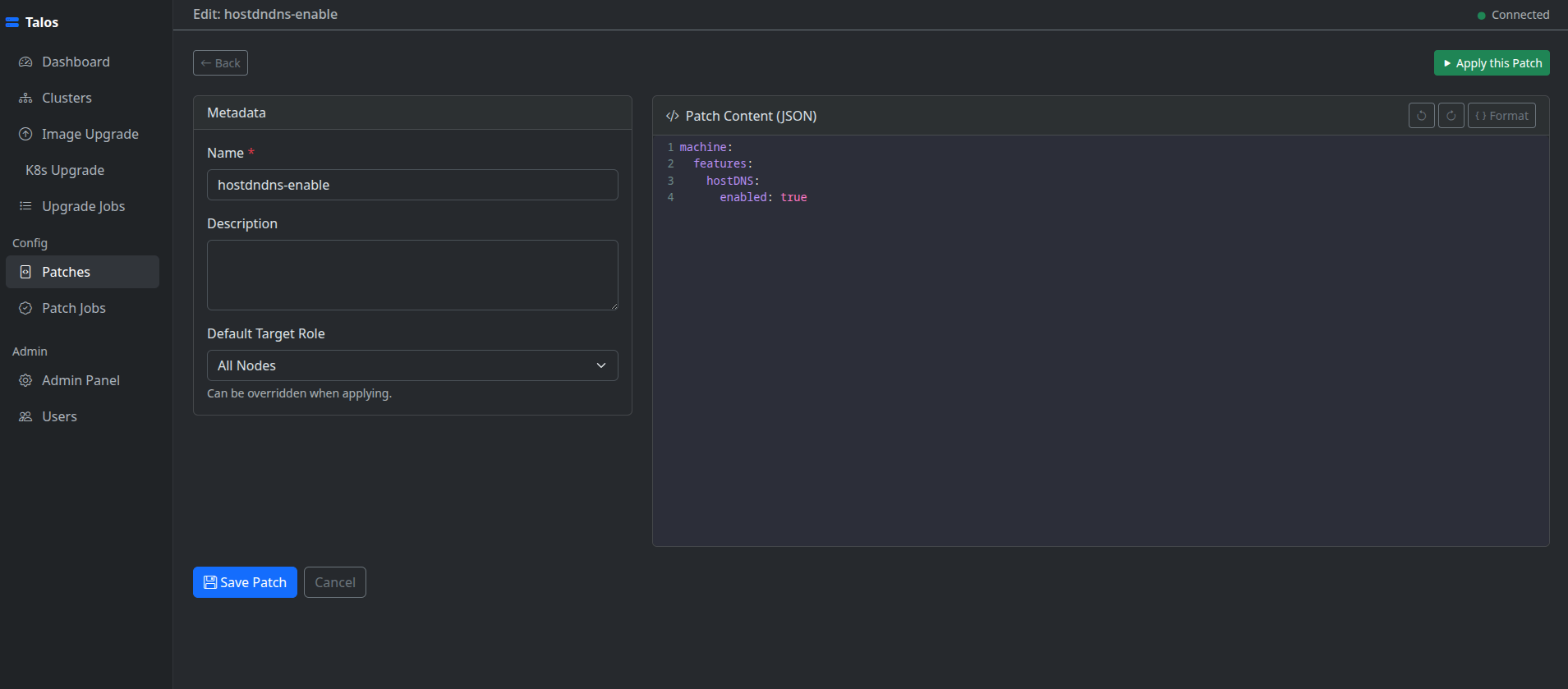
Save JSON or YAML patch templates and apply them to all nodes, control planes, or workers.
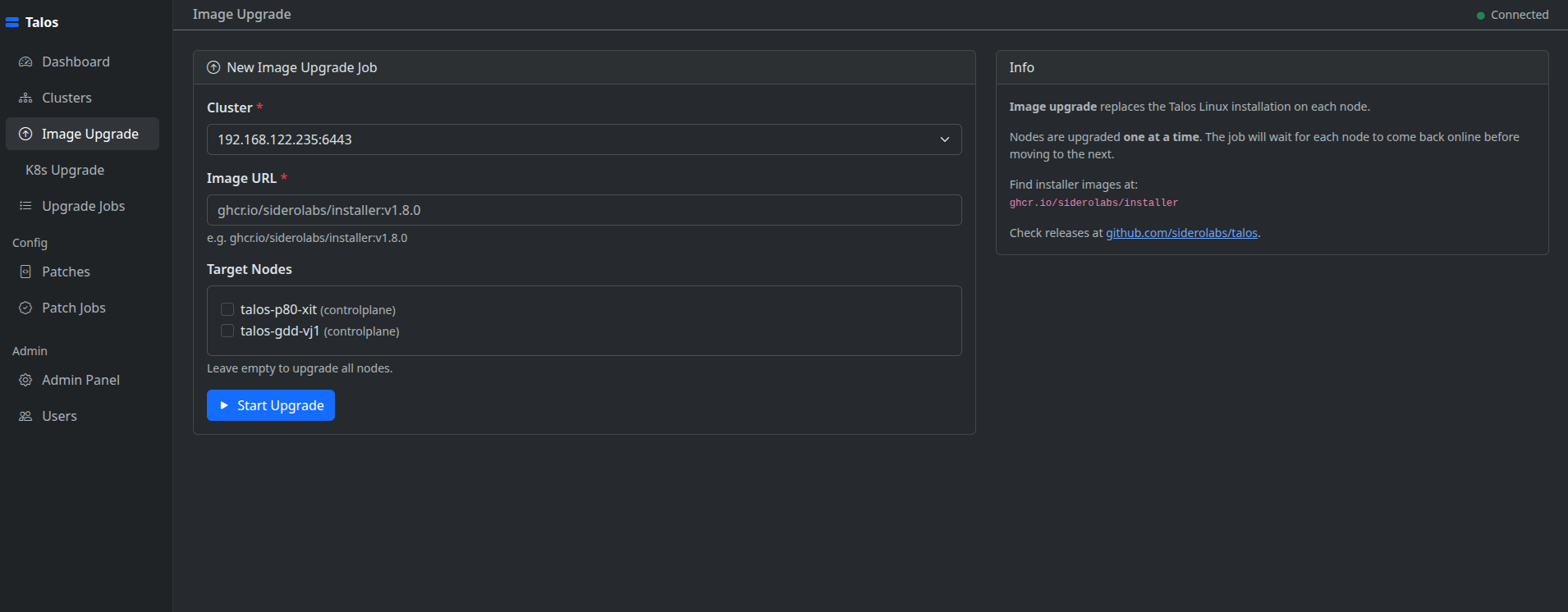
Image and Kubernetes upgrades with real-time streaming output per node.
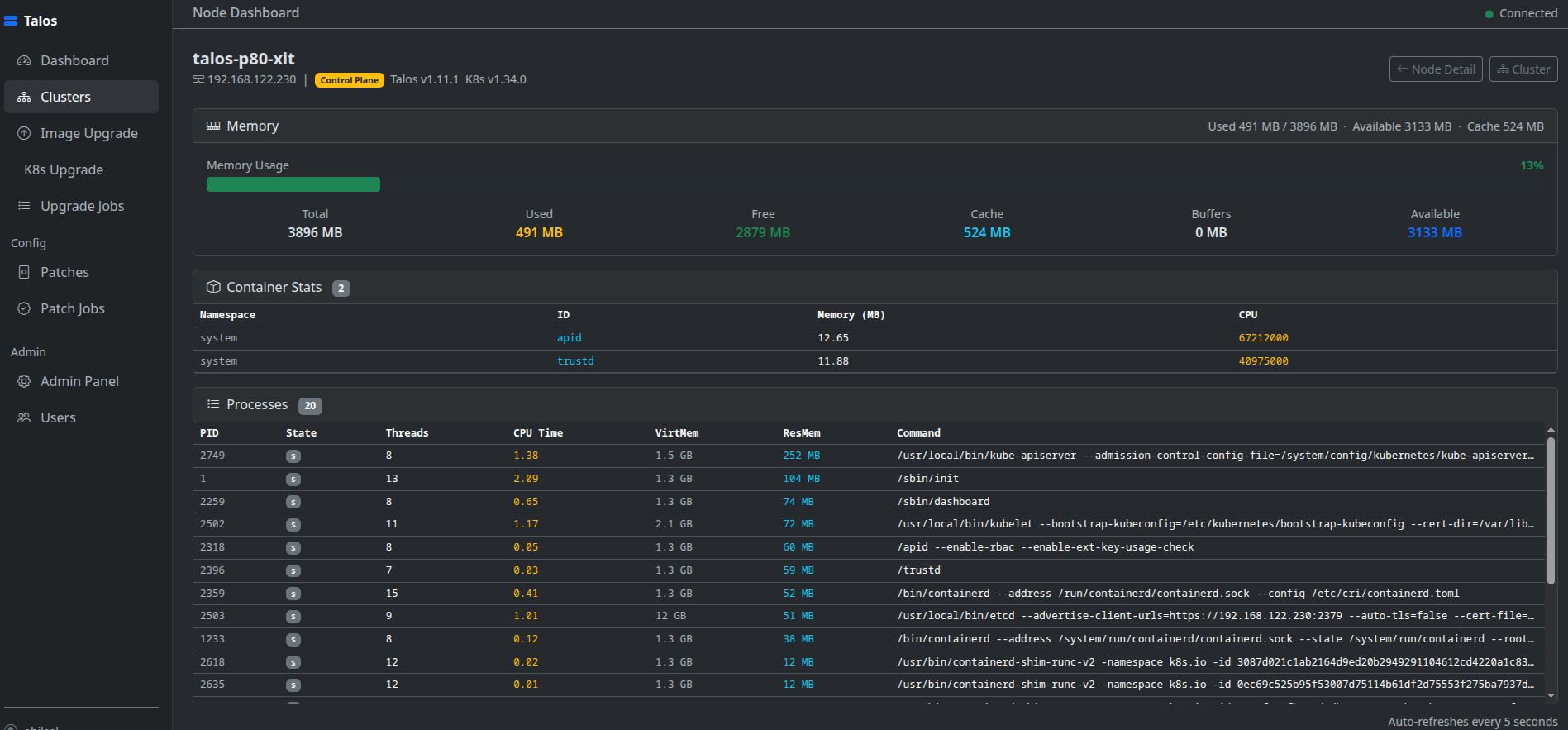
CPU, memory, disk usage and process list per node refreshed on demand.
3-step cluster bootstrap: generate configs, edit YAML in the browser, apply and bootstrap etcd.
Three roles: admin, operator, viewer. Enforced on every view and operation.
Cluster list with node counts, status summary, and quick-access actions.
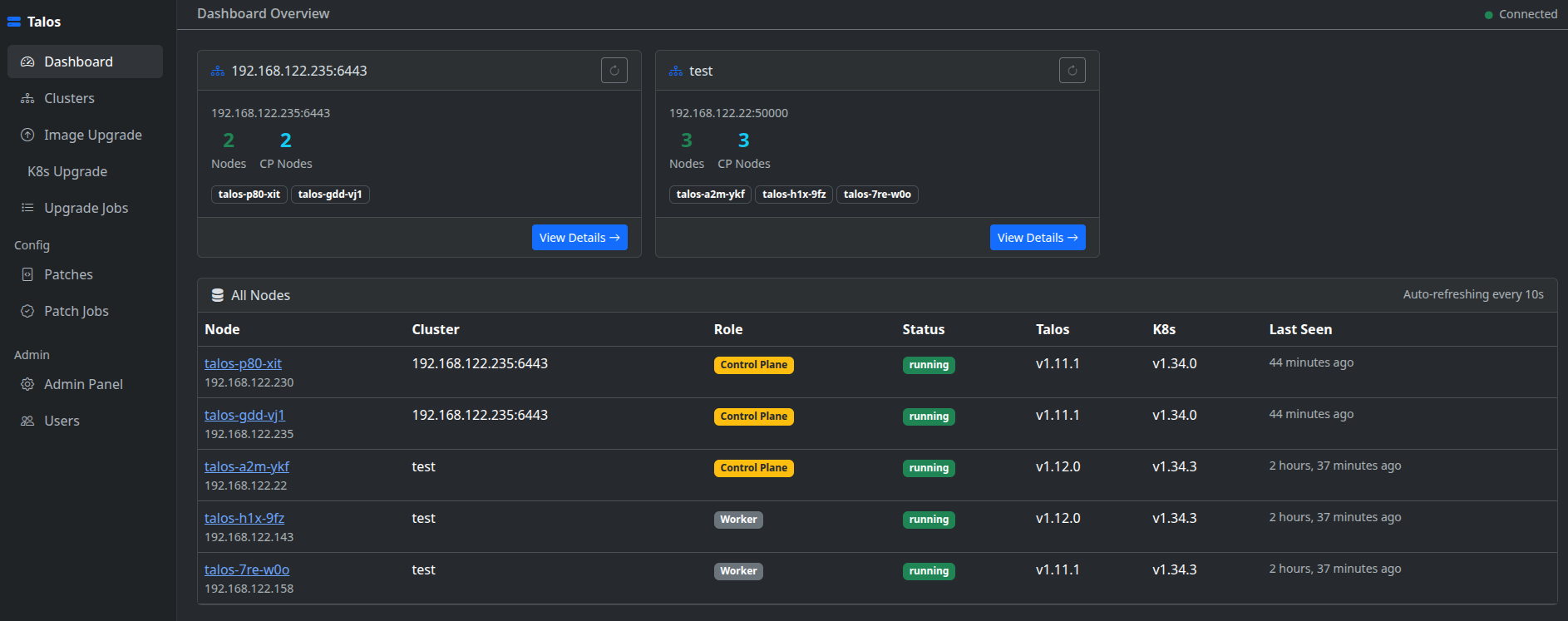
Node list with live status, reboot / shutdown / reset / restart-service controls, version info, and real-time log streaming.
Per-node CPU, memory, disk metrics and running process list.
Upgrade Talos OS image on selected nodes with real-time streaming console output per node.
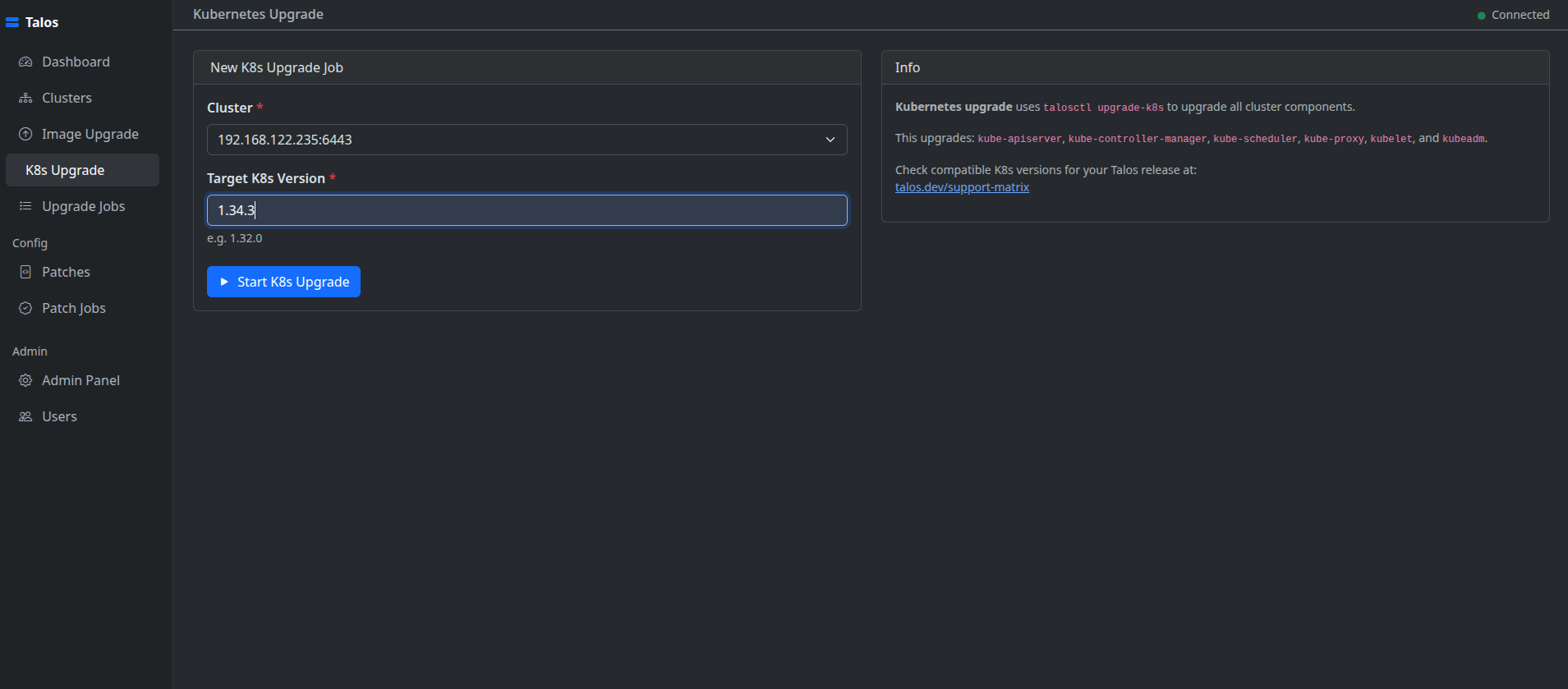
Upgrade the Kubernetes control plane with live log output streamed directly in the browser.
Apply JSON RFC 6902 or YAML merge patches to all nodes, control planes only, or workers. Real-time console per job.
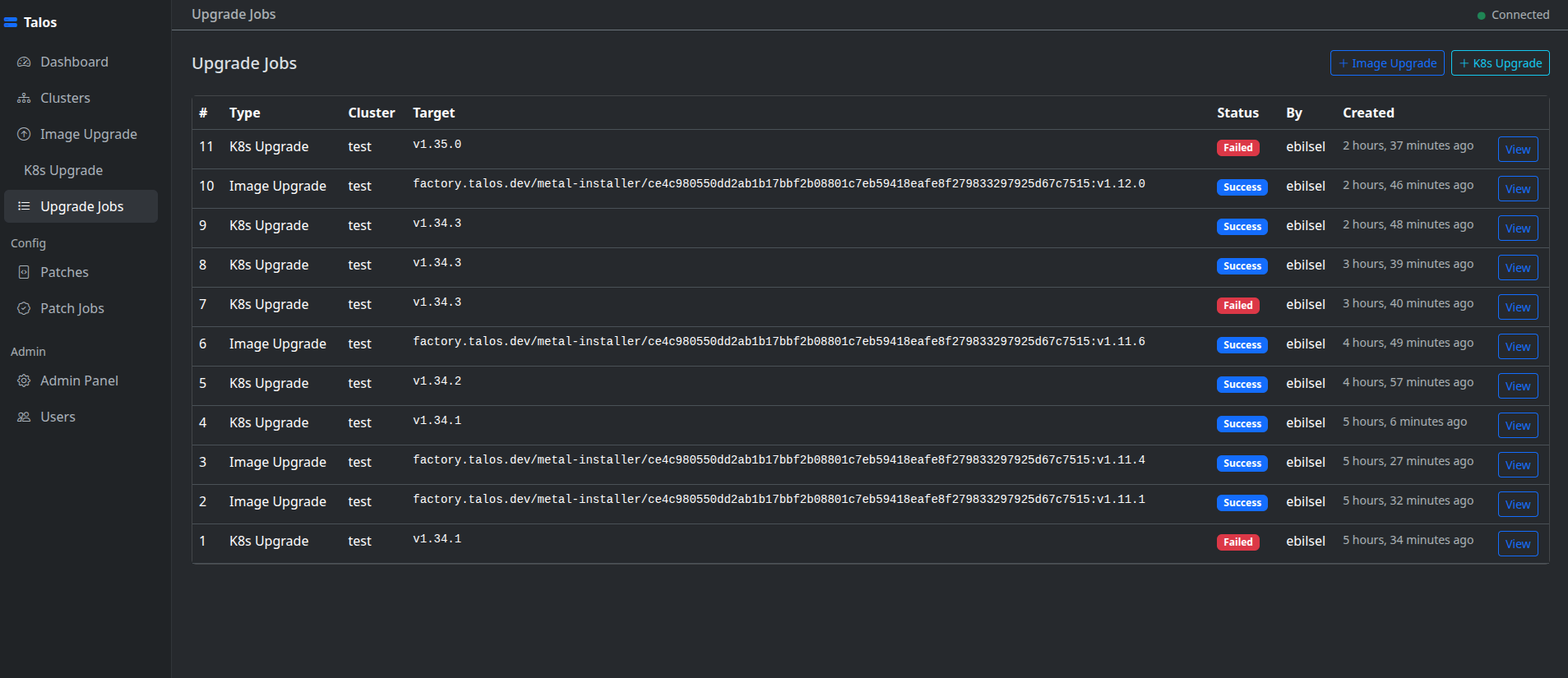
History of all upgrade jobs with status, timestamps, and full console log replay.
Talos Dashboard was built out of a real operational need: managing Talos Linux clusters through the command line is powerful but repetitive. Every reboot, config apply, or upgrade cycle meant juggling talosctl flags, YAML files, and multiple terminal windows. The goal was to bring all of that into a single, browser-based interface without giving up transparency or control.
The project wraps talosctl entirely via subprocess with shell=False throughout — no string interpolation, no shell expansion, no hidden attack surface. Talosconfig files are written to a temporary path with mode 0o600 and deleted immediately after each operation. Role-based access (admin / operator / viewer) is enforced at the view layer so teams can share the dashboard without sharing full cluster credentials.
Real-time feedback was a first-class concern from the start. Upgrade and patch operations stream output line-by-line to the browser over WebSocket using Django Channels and Celery, so you never have to tail a log file to know what is happening on a node. The same streaming approach powers live cluster events and node service logs.
The stack is intentionally straightforward: Django 5 on the backend, Bootstrap 5 + HTMX on the frontend, CodeMirror for in-browser YAML editing, and Redis as both the Celery broker and the Channels layer. SQLite works fine for a personal or small-team deployment; swapping to PostgreSQL for production requires a single settings change.
Contributions, bug reports, and feature requests are welcome via GitHub Issues.